

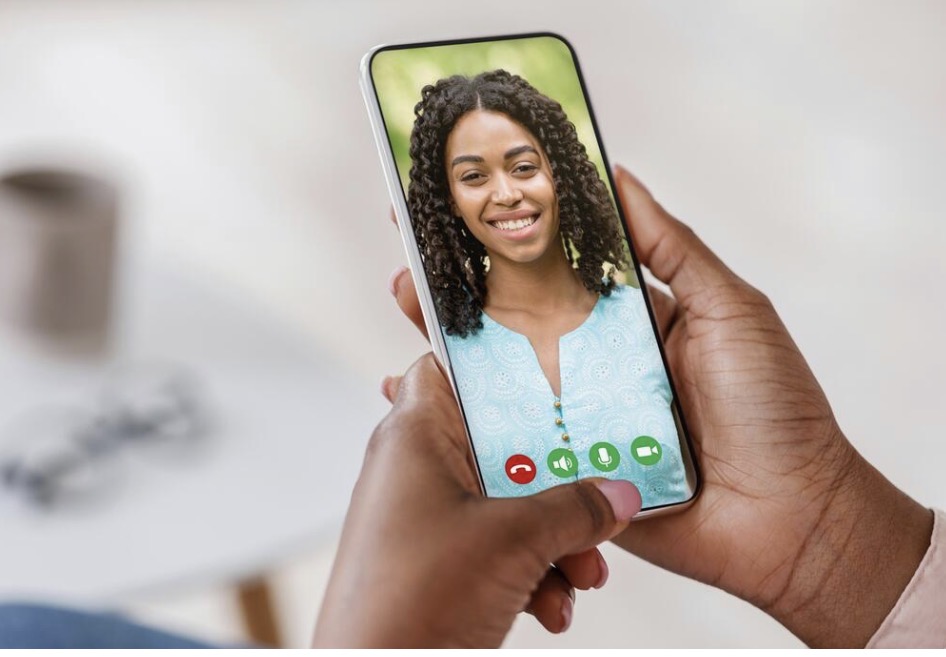
Recording a phone call on an iPhone isn’t as straightforward as most people expect.
Unlike Android devices, Apple doesn’t offer a built-in call recording feature due to privacy restrictions. But there are still several ways to do it—some better than others.
In this guide, we’ll break down exactly how to record calls on iPhone, what works, what doesn’t, and the easiest method depending on your situation.
Why iPhones Don’t Allow Call Recording
Apple restricts call recording primarily for legal reasons. Many countries require both parties to consent before a call can be recorded, and Apple avoids building native functionality that could violate those laws.
That means any solution you use will rely on:
- Third-party apps
- External devices
- Workarounds like conference calling
Method 1: Use a Call Recording App
There are several apps on the App Store that let you record calls, but most of them work using a conference call system.
Here’s how it typically works:
- Open the recording app
- Start a recording line (the app creates a third-party number)
- Merge your call with that number
- The app records the conversation
Pros
- Easy to use once set up
- No additional hardware required
Cons
- Usually requires a subscription
- Call quality can drop
- Doesn’t always work reliably in every country
If you want a more detailed walkthrough of how these methods actually work in practice, check out this step-by-step guide on recording phone calls on iPhone.
Method 2: Use Another Device
One of the simplest methods is also the most low-tech.
You can:
- Put your iPhone on speaker
- Use another phone or recorder to capture the audio
Pros
- Works 100% of the time
- No apps or setup required
Cons
- Lower audio quality
- Not private
- Not practical for frequent use
Method 3: Use a Browser-Based Calling Tool
A lesser-known option is to make the call through a browser instead of your phone line.
With browser-based calling:
- Calls are handled through your laptop or desktop
- You can record audio directly from your system
- No need for call merging or external devices
This is especially useful for:
- Interviews
- Business calls
- International conversations
Recording International Calls
If you’re calling internationally, recording becomes even more complicated with traditional apps.
Common issues include:
- Higher failure rates with call merging
- Extra costs from carriers
- Inconsistent audio quality
Using a browser-based setup simplifies this:
- You can make international calls directly
- Record them at the same time
- Avoid carrier limitations entirely
For example, platforms like ZenCall let you place calls directly from your browser, which makes recording significantly easier compared to traditional mobile setups.
Legal Considerations
Before recording any call, make sure you understand the laws in your country.
Some regions require:
- One-party consent (only you need to know)
- Two-party consent (everyone on the call must agree)
Always inform the other person if required.
What’s the Best Method?
It depends on how often you need to record calls:
- Occasional use → another device is fine
- Light use → recording apps work
- Frequent or international calls → browser-based calling is the most reliable
Final Thoughts
Recording calls on an iPhone isn’t impossible—it just requires the right approach.
If you only need it once in a while, simple methods work. But if you’re making regular or international calls, switching to a browser-based solution can save time, improve quality, and make recording seamless.
That’s ultimately the key: choosing a setup that removes friction instead of adding more steps.