Anyone who works with AI image generators knows the frustration: you find a visual that nails exactly the style you want, but you have no idea how to describe it in a prompt. Reverse-engineering an image into usable prompt language used to be guesswork. In 2026, a whole category of tools handles this reverse prompt extraction automatically — upload an image, get a detailed, structured prompt ready for Midjourney, Flux, Stable Diffusion, or DALL-E.
We tested the most popular image to prompt generators using the same three reference images: a studio product photo, a golden-hour portrait, and a landscape shot. Each extracted prompt was then fed back into the same generator (Flux) to compare how closely the recreated image matched the original. Here are the ten that performed best, with notes on where each one fits.
Quick Comparison
| Tool | Free tier | Output style | Best for |
|---|---|---|---|
| Avriro | Yes | Structured (composition, lighting, camera) | Ecommerce and marketing workflows |
| Fotor | 5/day | Multilingual, descriptive | Prompt + generation in one platform |
| Picsart | Yes | Multi-model, 10+ languages | Teams inside the Picsart ecosystem |
| Vheer | Yes | Simple / Detailed / Creative modes | Artistic and editorial prompts |
| CLIP Interrogator | Open source | Raw style tokens | Developers, local processing |
| Midjourney /describe | Paid only | Midjourney-native, 4 variations | Midjourney users |
| Freepik | API-based | Async API response | Automated pipelines |
| Replicate img2prompt | Pay per run | Raw token string | Batch and programmatic use |
| Zemith | 3/day | Platform-aware with weighting | Learning prompt engineering |
| AnimeGenius | Daily credits | Anime/illustration focused | Stylized artwork |
1. Avriro
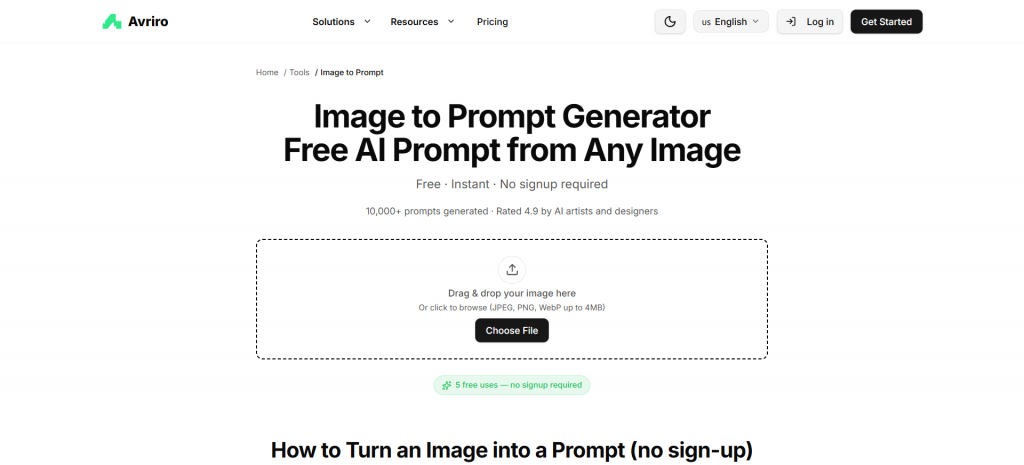
Image Name: avriro-screenshot-to-prompt.webp
Alt: Avriro Screenshot to Prompt
Caption: Convert screenshots into AI prompts with Avriro
Avriro produced the most detailed and immediately usable prompts in our test. Instead of a generic caption, it breaks the image down into composition, subject, lighting, color palette, artistic style, and even camera details — our product photo came back as a full commercial-photography prompt including lens and lighting descriptors, ready to paste into any generator.
What sets it apart is the workflow around it. Avriro is built for ecommerce sellers and marketers, so the prompt generator sits alongside a background remover, a product listing generator, and a sketch-to-photo tool. If you are extracting prompts to produce consistent product visuals at scale — say, recreating a brand-aligned photography style across a catalog — that combination saves real time. Uploads are not stored or used for training, the tool is free to use, and it supports JPG, PNG, and WebP.
Best for: ecommerce sellers, marketers, and anyone who needs production-ready prompts rather than rough descriptions. The one limitation worth noting: generated prompts are output in English only, so multilingual teams may need a translation step.
2. Fotor
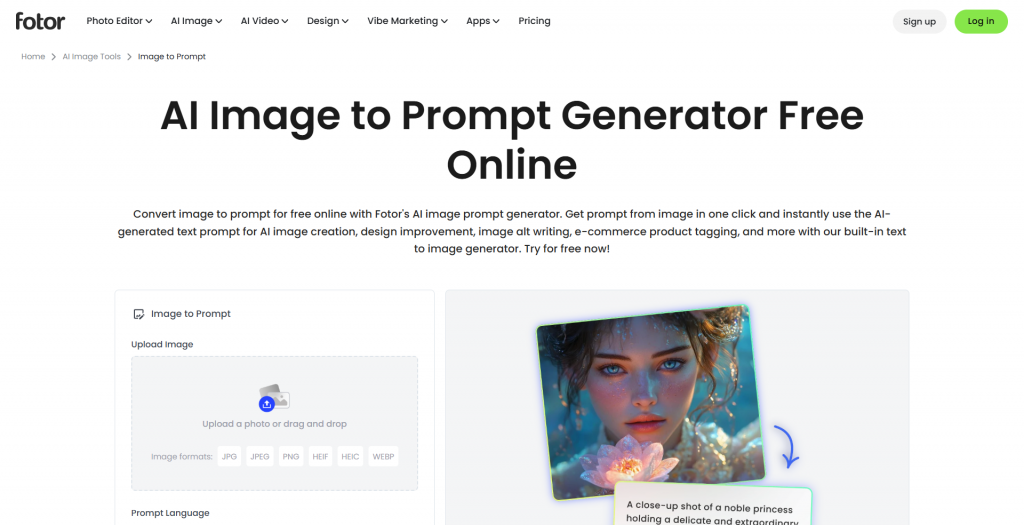
Image Name: fotor-image-to-prompt.webp
Alt: Fotor Image to Prompt Generator
Caption: Generate detailed AI prompts from images with Fotor
Fotor’s image to prompt generator benefits from the muscle of a full editing platform behind it. Its multimodal analysis goes beyond object detection into relationships, emotions, lighting conditions, and artistic style, and it outputs prompts in multiple languages — useful for international teams. The extracted prompt can be sent straight into Fotor’s own AI image generator to recreate art or transfer styles. The free tier gives five generations per day.
Best for: users who want prompt extraction and image generation under one roof.
3. Picsart Image to Prompt
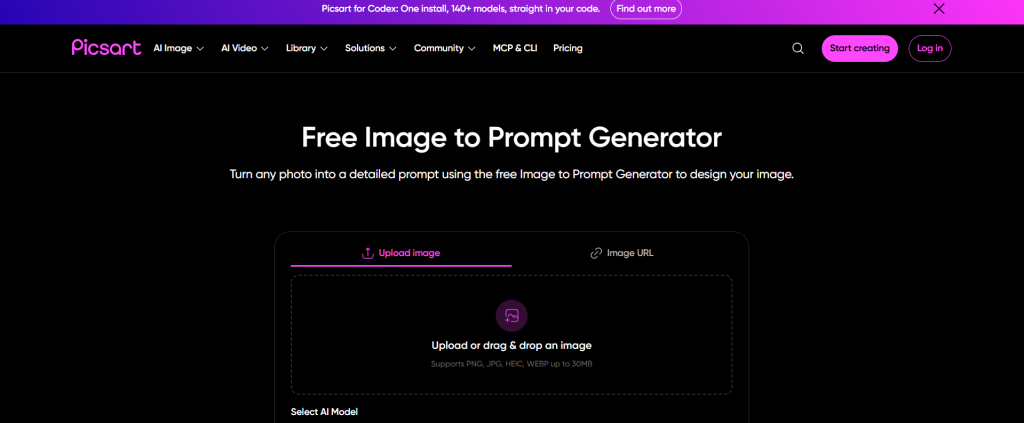
Image Name: picsart-image-to-prompt.webp
Alt: Picsart Image to Prompt
Caption: Convert Picsart images into AI prompts instantly
Picsart’s generator benefits from the ecosystem around it. It supports multiple extraction models — including a photorealism-focused option and an artistic one — outputs prompts in more than ten languages, and connects directly to Picsart’s own image generator and ad maker. If your team already lives inside Picsart, this is the natural choice.
Best for: teams already using Picsart, and non-English prompt workflows.
4. Vheer
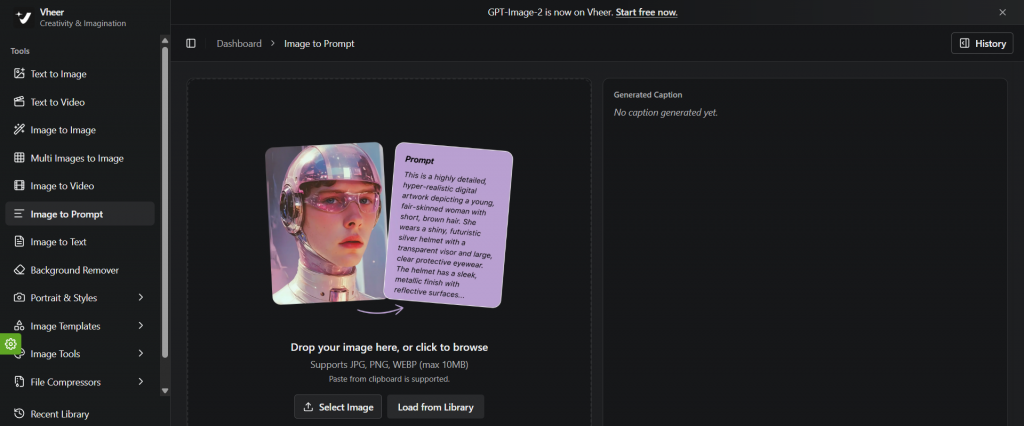
Image Name: vheer-image-to-prompt.webp
Alt: Vheer Image to Prompt
Caption: Convert Vheer images into AI prompts instantly
Vheer offers three output styles — Simple, Detailed, and Creative — plus auto-generated tags that highlight key visual elements. The Creative mode is genuinely different from competitors: it produces expressive, story-driven prompt language suited to editorial and fantasy concepts. Processing runs in the browser, which is a plus for privacy.
Best for: artists and storytellers who want more than a literal description.
5. CLIP Interrogator (Hugging Face)
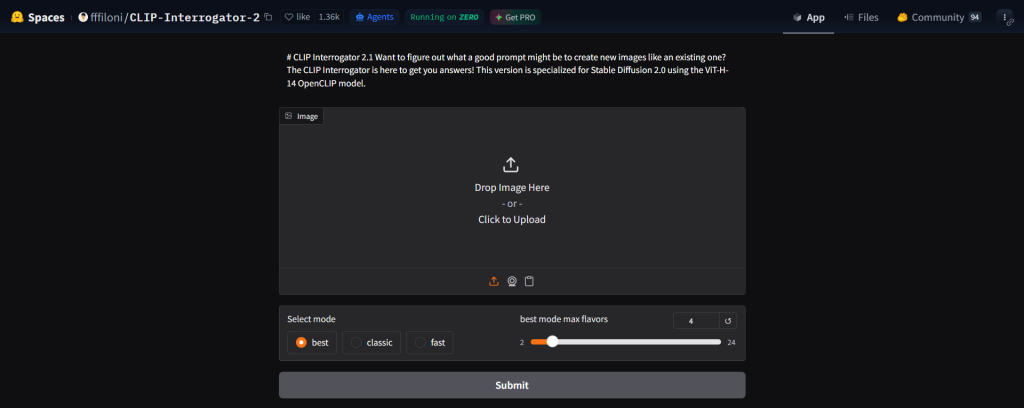
Image Name: clip-interrogator-image-to-prompt.webp
Alt: CLIP Interrogator Image to Prompt
Caption: Generate detailed AI prompts from images using CLIP Interrogator
The open-source workhorse of this category. CLIP Interrogator pairs OpenAI’s CLIP model with BLIP captioning to approximate the prompt that could have produced an image. The output is rawer than commercial tools — expect a string of style tokens rather than polished sentences — but it is free, transparent, and can run locally, which matters for sensitive material.
Best for: developers and technical users who want full control.
6. Midjourney /describe
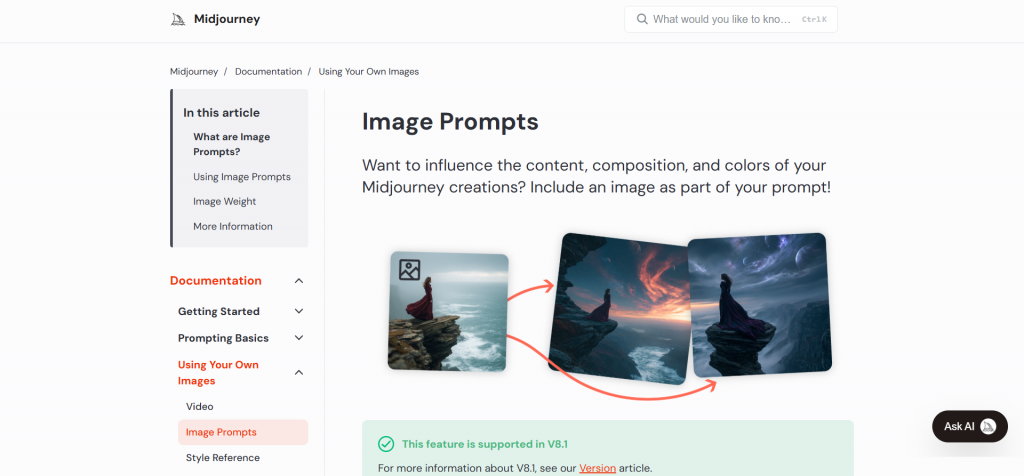
- Image Name: midjourney-describe-image-to-prompt.webp
- Alt: Midjourney Describe Image to Prompt
- Caption: Generate AI prompts from images using Midjourney Describe
If you generate exclusively in Midjourney, its built-in /describe command remains the most native option: upload an image and get four prompt variations tuned to Midjourney’s own vocabulary. The obvious limits are that it requires a paid Midjourney subscription and the prompts do not translate as cleanly to other models.
Best for: dedicated Midjourney users.
7. Freepik
Freepik has quietly built one of the more complete AI suites in the design space, and its image to prompt capability comes in two flavors: an in-platform tool for creators, and a developer API endpoint that accepts an image URL or base64 upload and returns a generated prompt asynchronously. That API makes it the standout choice for teams who need prompt extraction inside an automated pipeline rather than a browser tab.
Best for: developers and teams integrating prompt extraction into automated workflows.
8. Replicate (img2prompt)
For anyone comfortable with an API call, the img2prompt model hosted on Replicate approximates the text prompt that could have produced an image, tuned specifically for Stable Diffusion. Because it runs as a hosted model, you pay per run with no subscription, and it slots neatly into scripts and batch jobs. Output is a raw token string rather than polished prose, so expect to edit before reuse.
Best for: batch processing and programmatic prompt extraction on a pay-per-run basis.
9. Zemith
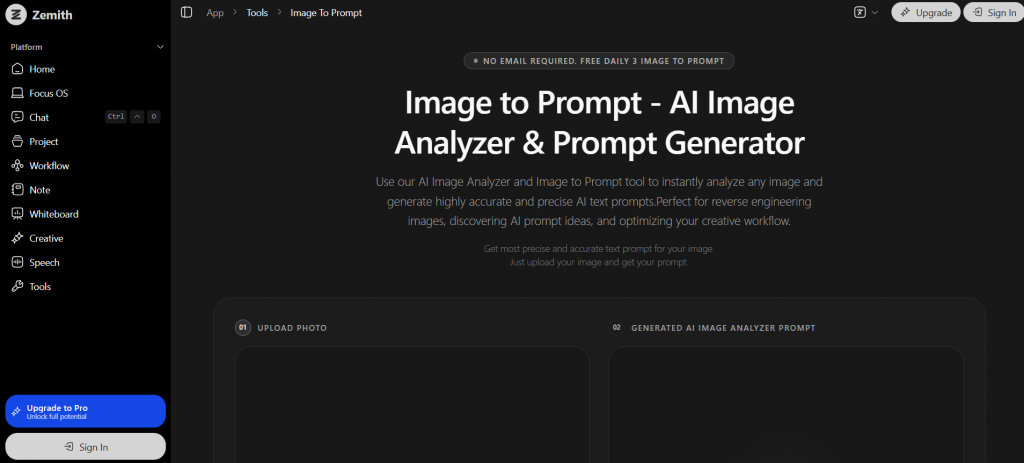
Image Name: zemith-image-to-prompt.webp
Alt: Zemith Image to Prompt
Caption: Convert Zemith images into AI prompts instantly
Zemith positions its tool as an image analyzer as much as a prompt generator, producing platform-aware prompts with weighting and style tags for Midjourney, Stable Diffusion, and DALL-E. It is part of a larger AI workspace, and the free tier is limited to three conversions daily.
Best for: prompt-engineering learners who want detailed breakdowns.
10. AnimeGenius
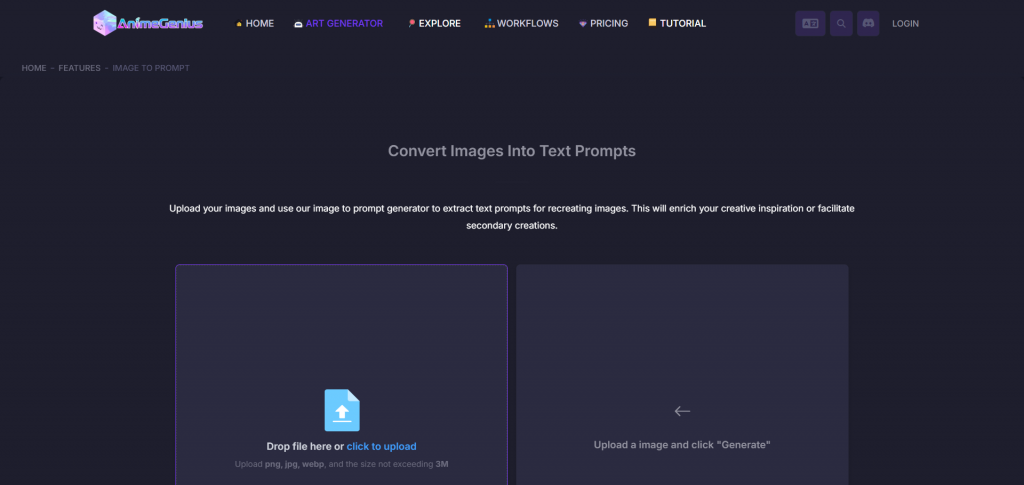
Image Name: animegenius-image-to-prompt.webp
Alt: AnimeGenius Image to Prompt
Caption: Convert AnimeGenius images into detailed AI prompts
A specialist entry: AnimeGenius focuses on anime and illustration-style extraction, and it noticeably outperforms generalist tools on stylized artwork where photo-oriented models stumble. It runs on a credit system with daily free credits.
Best for: anime, manga, and illustration workflows.
How to Choose
The right pick depends on what happens after the prompt. If the prompt is the end product — you just want to recreate a look — a general-purpose tool like Fotor or Picsart is enough. If the prompt feeds a production workflow, especially in ecommerce where visual consistency directly affects conversion, a platform like Avriro that combines extraction with background removal and product visualization will pay for itself in saved hours. And if you are technical, CLIP Interrogator gives you the machinery with no ceiling.
One practical tip regardless of tool: image to prompt generators perform best on clear, high-resolution images with a well-defined subject. Feeding them cluttered or low-quality inputs produces vague prompts no matter how good the model is. Google’s own image best practices apply here for the same reason they apply to SEO — clarity in, clarity out.
FAQ
What is an image to prompt generator? An AI tool that analyzes a photo, illustration, or artwork and produces a text description — a prompt — capturing its subject, composition, lighting, color, and style, formatted for use in AI image generators.
Are the prompts universal across AI models? Mostly. A well-structured descriptive prompt works in Midjourney, Stable Diffusion, Flux, and DALL-E alike, though model-specific tools (like Midjourney’s /describe) tune output to one platform’s vocabulary.
Are these tools safe for private or commercial images? Check each tool’s policy. Several on this list, including Avriro, state that uploads are processed in real time and not stored or used for training — important if you are working with unreleased product imagery.
Do free tools produce worse prompts? Not necessarily worse, but usually less structured. Paid or platform-backed tools tend to output prompts organized by composition, lighting, and camera details, which saves editing time in professional workflows.